
Author, review and version
By Jay Get It · First published: September 21, 2026 · Web revision: 2026-11-02.1.
Substantive review date: Not recorded for this article. Version record started: November 2, 2026. This revision adds author, review-status and version labels; it is not a new substantive review. About our author, review and version records.
Artificial intelligence can help banking professionals communicate more clearly, organize work, develop ideas, analyze appropriate information, and save time on everyday tasks.
But useful AI results don’t start with the tool.
They start with the prompt.
A vague request can produce a vague response. A well-structured prompt gives the AI context, defines the desired outcome, and explains what a useful response should look like.
For banking professionals, there’s another consideration: AI needs to be used responsibly.
In this guide, we’ll look at 10 practical ways banking professionals can use AI at work, a simple framework for writing better prompts, and a free Professional Email AI Prompt you can save and use.
Before Using AI at Work
Banking professionals routinely work with sensitive information, policies, procedures, regulations, and customer information.
That makes responsible use essential.
Before using an AI tool at work:
- Use only institution-approved AI tools.
- Follow your organization’s AI, information-security, privacy, and other applicable policies.
- Don’t enter confidential customer, employee, proprietary, personally identifiable, or restricted information unless specifically authorized.
- Treat AI-generated information as a starting point rather than automatically assuming it is correct.
- Review and verify important information before using it.
- Apply your own professional judgment.
AI can help create the draft. You provide the professional judgment.
A Simple Framework for Better AI Prompts: CLEAR
You don’t necessarily need complicated prompts to get better AI results.
You need clearer instructions.
The CLEAR Prompt Method provides five things to consider:
C — Context
Give the AI enough background to understand the situation.
L — Level / Role
Tell the AI what role or perspective it should use.
E — Expected Result
Describe what you want the AI to create, explain, organize, or help accomplish.
A — Add Requirements
Specify relevant requirements such as audience, format, tone, length, or constraints.
R — Review / Refine
Review the result, ask follow-up questions, and refine the response before using it.
For example, compare:
Write an email.
with a request that explains the purpose, audience, desired outcome, key information, tone, and preferred length.
The second approach gives the AI much more direction.
And that’s our first practical use case.
1. Write a Professional Email
Email is one of the easiest places for banking professionals to begin experimenting with AI.
You may know exactly what you need to communicate but want help turning those thoughts into a clear, concise, professional message.
A useful email prompt can specify:
Purpose → Audience → Desired outcome → Key information → Tone → Length
AI can then help create a first draft that you review and customize.
Get the Free Professional Email AI Prompt
I’ve created a free, save-and-reuse Professional Email AI Prompt for Banking Professionals.
It includes:
- A customizable email prompt
- Six fields for improving the result
- The CLEAR Prompt Method
- Four follow-up prompts
- A final review checklist
- Responsible AI reminders
[DOWNLOAD THE FREE PROFESSIONAL EMAIL AI PROMPT →]
Save it. Print it. Reuse it.
2. Prepare for a Difficult Conversation
Not every banking conversation is straightforward.
You might need to prepare for a customer concern, employee feedback discussion, performance conversation, policy change, or challenging meeting.
AI can help you prepare, rather than make the decision for you.
For example, you can use an appropriate prompt to help organize:
The situation → Key concerns → Talking points → Questions → Desired outcome
This can help you approach the conversation with greater structure while keeping professional judgment where it belongs—with you.
3. Turn Meeting Information Into Action
Meetings generate information.
The challenge is turning that information into action.
When permitted by your institution and when the information is appropriate for the AI system being used, AI can help organize meeting information into categories such as:
Key decisions
Action items
Owners
Deadlines
Questions
Follow-up items
Instead of leaving a meeting with another page of notes, you can create a clearer starting point for what needs to happen next.
4. Build a Daily Priority Plan
A full calendar and long task list don’t automatically tell you what deserves attention first.
AI can help organize appropriate, non-sensitive tasks according to criteria you provide, such as:
Urgency • Deadline • Business impact • Estimated effort • Dependencies
The AI isn’t deciding your priorities.
It’s helping you organize the information so you can make the decision more efficiently.
5. Explain Complex Information More Clearly
Banking involves complex information.
Policies. Procedures. Products. Systems. Regulations. Processes. Terminology.
Sometimes you understand the subject but need a clearer way to explain it to someone else.
AI can help create a plain-language starting point for an appropriate audience, such as:
- A customer
- A new employee
- A colleague
- A training participant
- Someone unfamiliar with the terminology
Your prompt should identify both what needs to be explained and who needs to understand it.
And because AI can make mistakes, important explanations should be checked against appropriate authoritative sources before being used.
6. Build an SOP or Process Outline
Processes become easier to teach and repeat when they’re documented clearly.
AI can help organize approved information into a starting structure for a standard operating procedure or process.
You might provide information about:
Purpose → Roles → Required steps → Controls → Documentation → Exceptions → Expected outcome
AI can then help organize those elements into a consistent structure.
The result isn’t automatically an approved institutional procedure. It still needs to be reviewed and adapted to your institution’s actual policies, systems, controls, and requirements.
7. Get Help With Excel and Data
AI can be useful when you’re trying to understand a spreadsheet problem or determine how to approach an analysis.
Depending on your institution’s approved use, AI can potentially help with tasks such as:
- Explaining Excel formulas
- Suggesting formulas
- Structuring an analysis
- Organizing reports
- Identifying ways to summarize information
- Explaining spreadsheet concepts
- Developing a reporting outline
Be particularly careful about the information you provide to an AI system.
And independently verify formulas, calculations, assumptions, and conclusions before relying on the output.
8. Prepare for a Coaching Conversation
Managers, supervisors, and team leaders can also use AI as a preparation tool.
Suppose you’re preparing for a coaching conversation.
An appropriate prompt could provide the:
Goal → Skill being developed → Non-sensitive observations → Questions → Desired outcome
AI could then help you brainstorm a conversation structure containing:
Opening → Questions → Discussion points → Development ideas → Next steps
AI doesn’t replace leadership.
It can help you prepare to lead the conversation.
9. Create a Training Outline
Starting with a blank page can make training development unnecessarily difficult.
AI can help transform your subject-matter knowledge into a starting structure.
For example, you could use AI to brainstorm:
- Learning objectives
- Training outlines
- Discussion questions
- Practice activities
- Scenarios
- Knowledge checks
- Quick-reference materials
You provide the knowledge, institutional context, and quality control.
AI helps with the structure and ideation.
10. Review Your Day or Week
AI can be useful for reflection as well as creation.
At the end of a day or week, consider reviewing appropriate information around questions such as:
What did I accomplish?
What worked well?
What didn’t go as planned?
What did I learn?
What needs attention next?
What should I prioritize going forward?
A structured review can help turn everyday experience into intentional improvement.
The Goal Isn’t More AI. It’s Better Work.
AI is a tool.
Knowing when to use it, what to ask, what information not to provide, and how to evaluate the response matters more than simply generating more content.
For banking professionals, the opportunity is to combine technology with something AI doesn’t replace:
Your experience. Your knowledge. Your professional judgment.
Start small.
Choose one appropriate task.
Write a better prompt.
Review the result.
Refine it.
Then decide whether the tool actually helped you work better.
Start With the Free Professional Email AI Prompt
If you’d like to put these ideas into practice before buying anything, start with the Free Professional Email AI Prompt for Banking Professionals.
You’ll get a ready-to-customize prompt plus CLEAR, follow-up prompts, responsible-use reminders, and a final review checklist.
Free • Save • Print • Reuse
Ready for the Complete AI at Work Playbook?
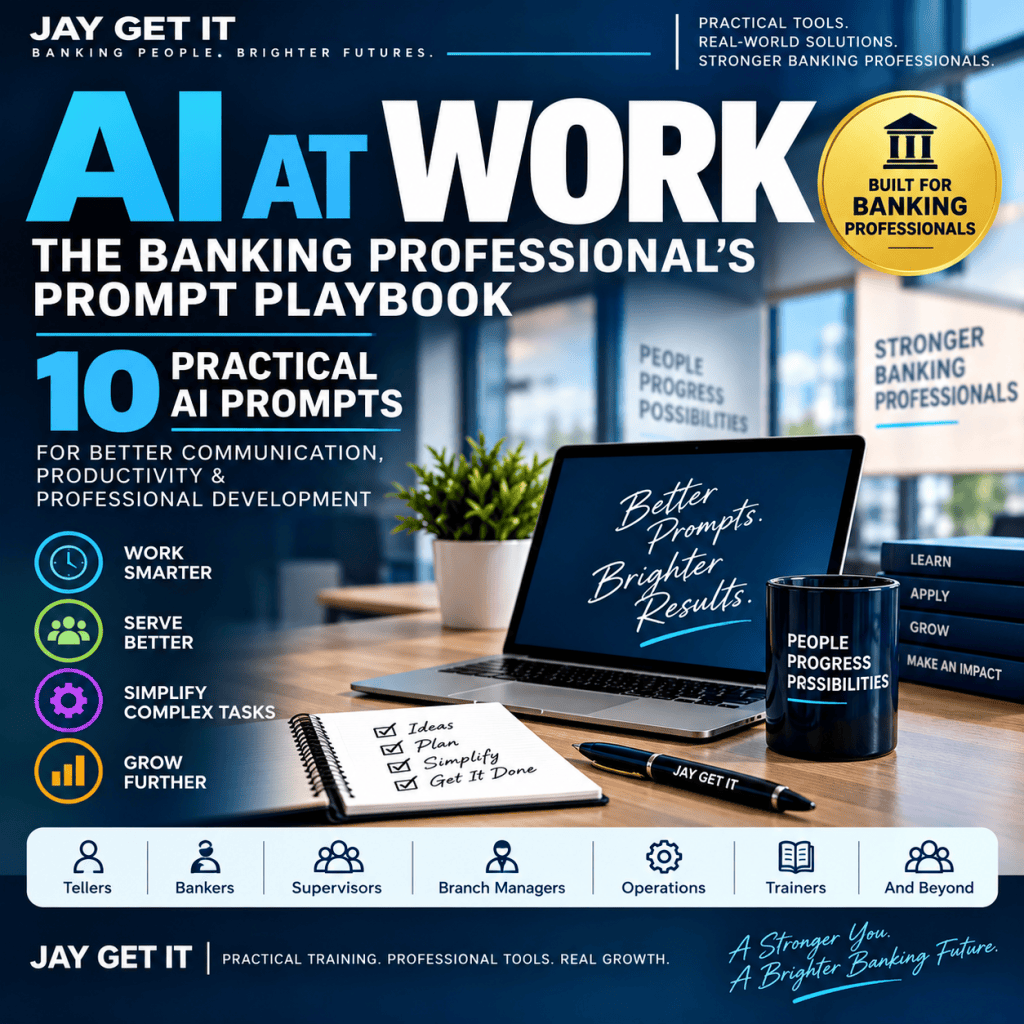
The AI at Work: The Banking Professional’s Prompt Playbook expands the system into a practical 40-page resource for banking professionals.
It includes:
10 customizable workplace prompts
The CLEAR Prompt Method
Step-by-step customization guidance
Real-world banking examples
Responsible AI guidance
Prompt Improver
Create-Your-Own Prompt framework
Prompt Review Checklist
Quick Reference Guide
The 10 workflows cover professional emails, difficult conversations, meeting information, priority planning, explaining complex topics, SOP/process development, Excel/data assistance, coaching conversations, training development, and end-of-day/week reviews.
[GET AI AT WORK: THE BANKING PROFESSIONAL’S PROMPT PLAYBOOK →]
Better prompts. Better results. A stronger you.

